Copied!
Profile for Battlefield 6: Phantom Edition
Keyboard Colorcoded for Bf6 + Rapid Trigger Strafe


All the colors!
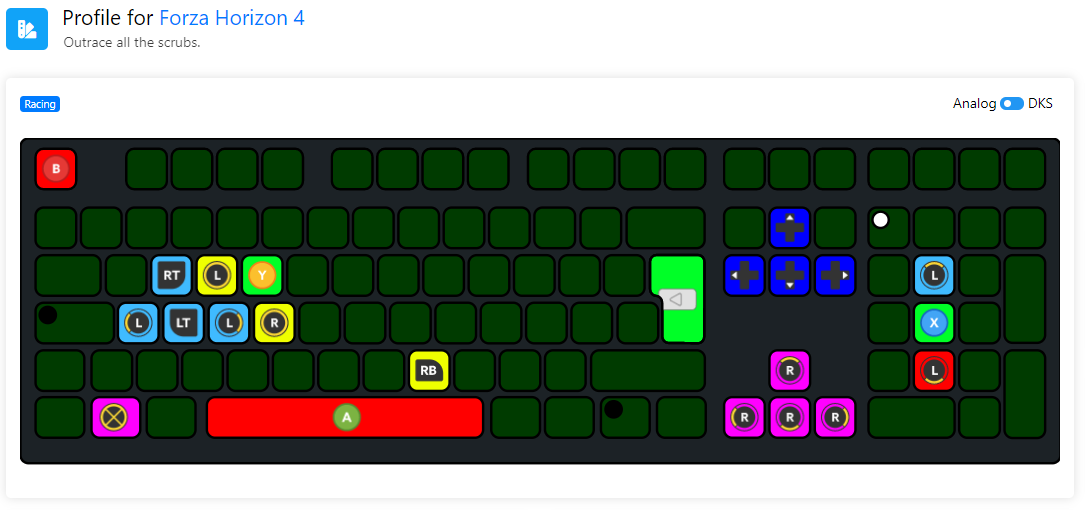
View the game title, and a user-written short description.
Preview the RGB scheme of the profile, and the
profile tags that are listed in the top left.
You can also switch between analog and DKS view in the top right.
Know e v e r y t h i n g
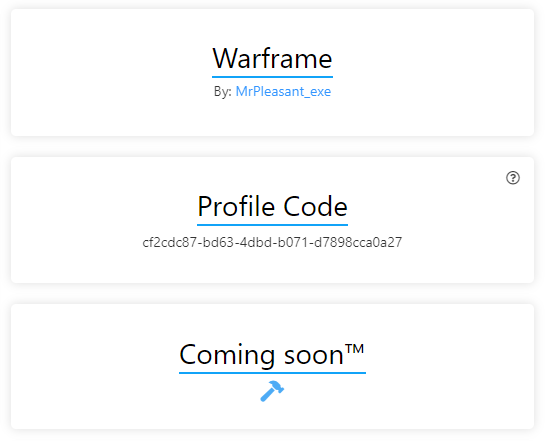
In the top right you can view the user-written profile name.
Underneath that you can copy the profilecode by clicking on it.
Coming soon? Noone knows. Except me. Maybe.
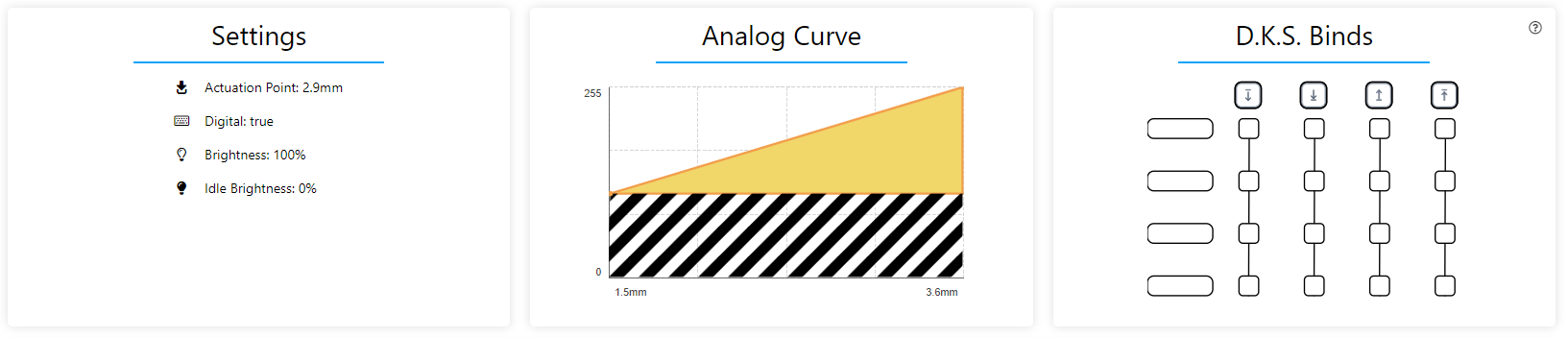
Hacker mode
Get to know every little detail about the profile. Switch to DKS mode and click a DKS enabled key to view its binds.
🚀 Done!
Go ahead and import you favorite profiles!
Want to share a profile instead? Click here
Lets go!
Battlefield 6 Infantry
By: moe0x33
0
likes
77
downloads
Settings
-
Actuation Point:
-
Supports digital:
-
Tachyon Mode:
-
Brightness:
-
Idle Brightness:
Analog Curve
D.K.S. Binds
No comments yet. Be the first to comment!