Favorited!
Copied!

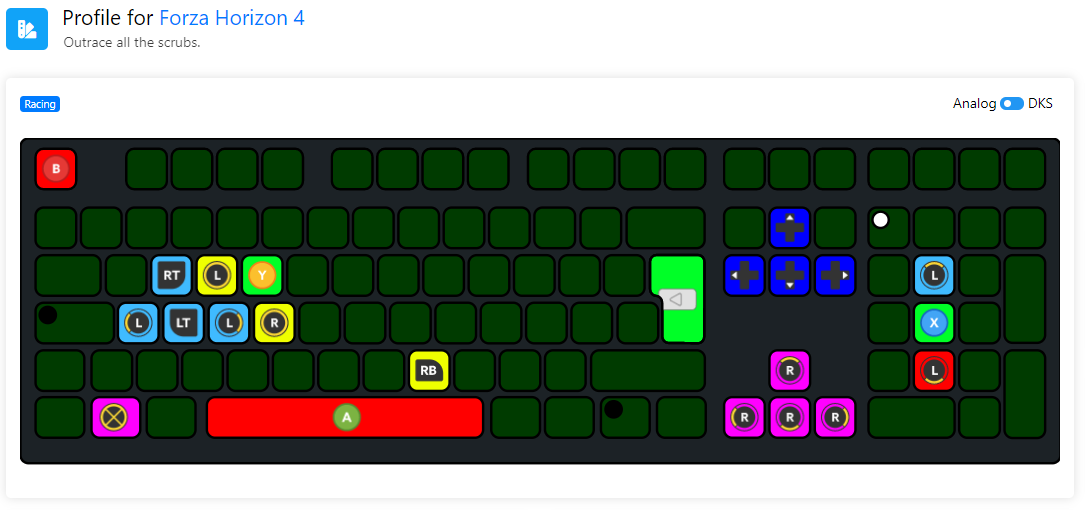
All the colors!

View the game title, and a user-written short description.
Preview the RGB scheme of the profile, and the
profile tags that are listed in the top left.
You can also switch between analog and DKS view in the top right.
Know e v e r y t h i n g

In the top right you can view the user-written profile name.
Underneath that you can copy the profilecode by clicking on it.
Coming soon? Noone knows. Except me. Maybe.
Hacker mode

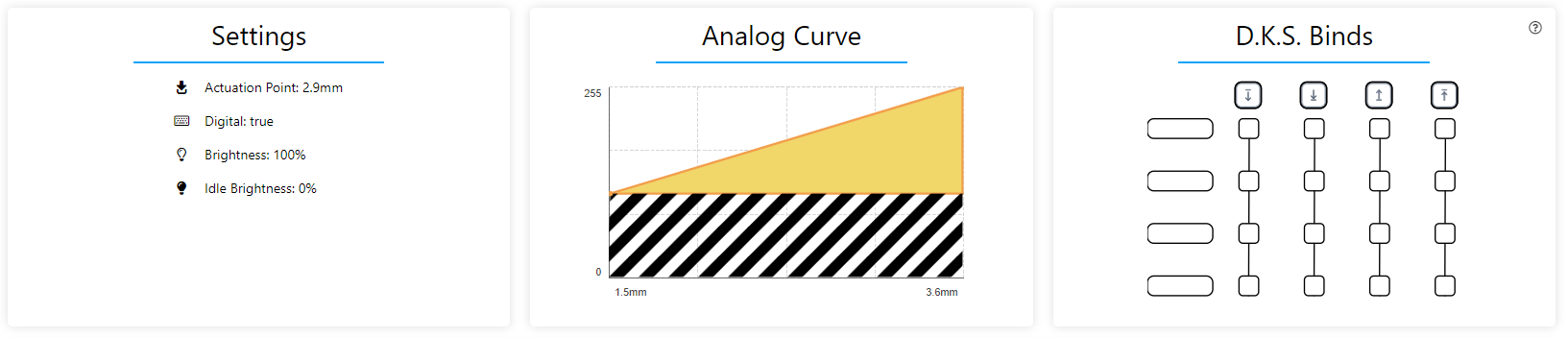
Get to know every little detail about the profile. Switch to DKS mode and click a DKS enabled key to view its binds.
🚀 Done!

Go ahead and import you favorite profiles!
Want to share a profile instead? Click here

Lets go!

MOBA Typing Wooting 80HE ANSI

Analog DKS
Keyboard

Daily + Kai'Sa Evolve Animation Cancel

By: custardfrog

6

downloads

### About the Profile Keeps Tenz 0.35 all key rapid trigger profile. I'm used to having rapid trigger on all keys but some don't prefer it. Up to you to change. *If you're an FPS gamer I recommend maybe looking at the rapid trigger on the shift key to your preference so that when you are walking, you don't accidentally lift the shift key a little and make noise.* RGB changed to be much more subtle instead of the glowing red. Light indicator uses CPU usage indicator with typing speed meter cause I think it looks cool lol and an orange pulsing Caps Lock indicator with a 2.5s per pulse speed. ### Kai'Sa Animation Cancelling Features DKS keys used to instantly evolve Kai'Sa abilities without her standing still when pressing "Fn + ?" or "Fn + >" Which activates the following keys from left to right : *"Fn + ?"* : **m,./** - *Evolve while using her E ability* *"Fn + >"* : **n,./** - *Evolve while using Recall ability* The first one is nice if you're rushing out of the fountain back to lane as fast as possible. Second one is useful for when you don't want to put E on cooldown. You must add some extra in-game hotkey settings in LoL for it to work. This does not change any setting and should not impact normal gameplay at all. > *Spell 3* - *Set 2* - **M** > *Level Up Spell 1* - *Set 2* - **,** > *Level Up Spell 2* - *Set 2* - **.** > *Level Up Spell 3* - *Set 2* - **/** > *Recall* - *Set 2* - **N** How this works is that Kai'Sa will either use recall or her E ability (depending on which one you activate) and then instantly presses the level up spell key which allows you to evolve animation cancel. ### Personal Changes In this section I recommend that you double check the things here and change it to your own preference if you don't like it. * Actuation point on WASD has been changed from Tenz's default to match the entire keyboard's alphabet keys @0.90mm. If you're an FPS gamer you can lower this if you want to getting better performance. * By default the Tenz profile has Fn and Ctrl key on the main layer swapped. I swapped this back like normal 80He profile so that the Ctrl key would be next to the Left Arrow key. * The mode key (next to F12) has been changed to Home. The Pause/Break key has been changed to End. I find that Pause/Break is kinda useless in modern computing. This profile does NOT have a mode or profile cycling key as this profile will be the only one I use. If you use multiple profiles then you should add that in. Be careful: **Pressing "Fn + Windows" will shutdown the PC.** * I have "Fn + {" to open the windows calculator app and "Fn + }" to open your default browser. * Media keys are above the light indicator unchanged from the default Tenz profile.

Settings


  • Actuation Point:

  • Supports digital:

  • Tachyon Mode:

  • Brightness:

  • Idle Brightness:

Analog Curve


0 255

D.K.S. Binds


DKS

Comments


Please log in to post a comment.

No comments yet. Be the first to comment!